
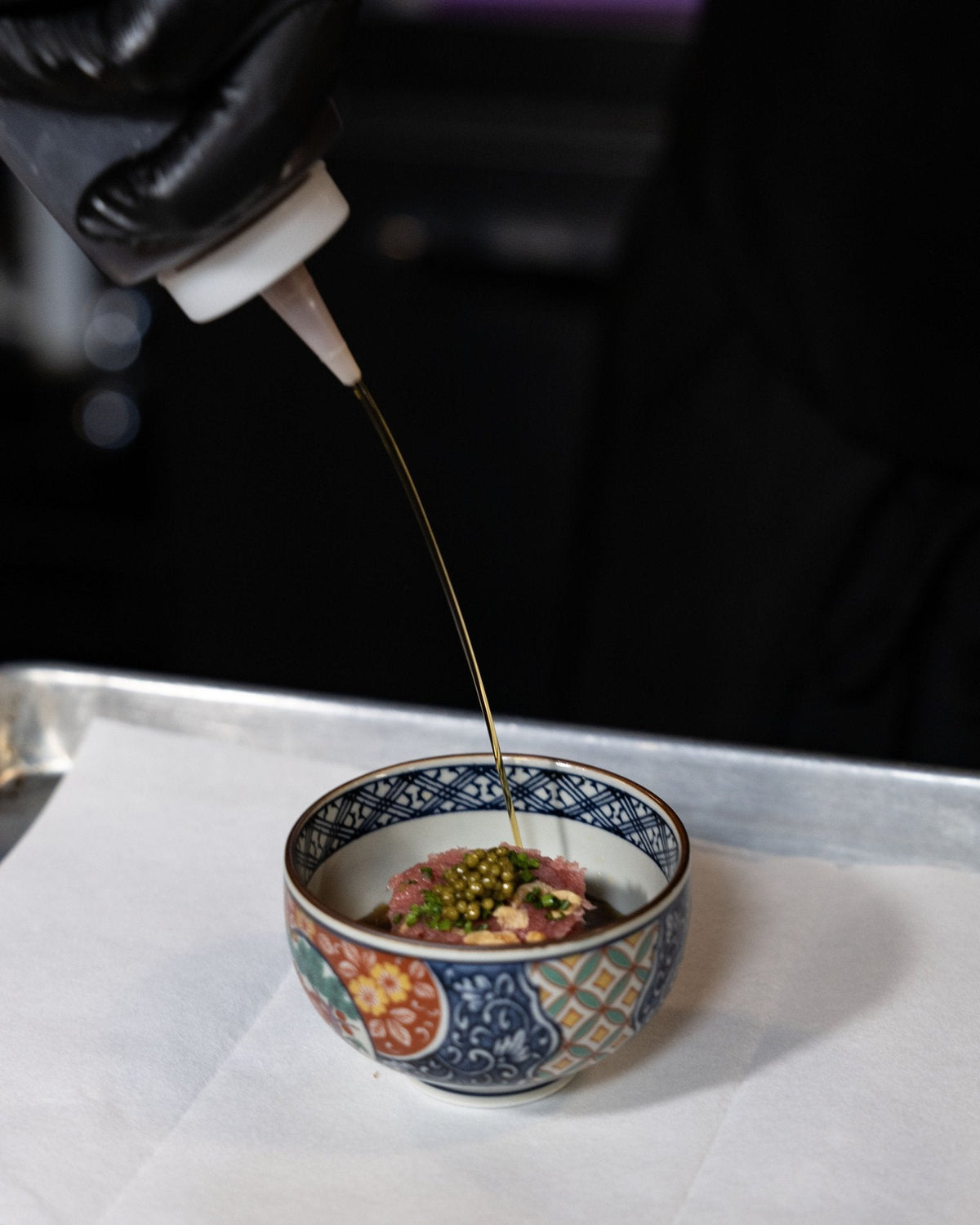
A content shoot starts well before the camera comes out. The planning determines whether you leave with attractive photos or a useful collection of assets your business can put to work across several channels.
Think about everything you might need in a typical month: a website image, a service introduction, a few short videos, an email announcement and content for your social pages. A shoot planned around those uses can give your team more options when it’s time to create.
Start with where the content will live
Make a list of upcoming needs before building the shot list. Are you launching a service? Updating your website? Promoting an event? The answers should guide what you capture.
A restaurant introducing a seasonal menu might need individual dish photos, a video of a plate being finished, dining room footage and images with enough open space for announcement text. Each asset has a different use, even though they come from the same session.
Plan for more than one format
A wide website banner and a vertical video require different framing. If both matter, plan for both while the space is set up and everyone is available.
Ask for a mix of wider scenes and close details. Capture the people behind the business, the process and the finished result. Leave room in selected images for headlines or cropping. These choices give your designer or social team flexibility later.
Keep the shot list realistic, too. Multiple locations, extensive styling or several people speaking on camera all take time. Prioritize the assets your business needs most rather than treating every idea as equally urgent.
Capture answers as well as atmosphere
Good-looking footage is useful, but your customers also have questions. A short explanation from the owner or a demonstration of a service can give the visuals context.
For a home services business, that could mean filming a team member explaining what happens during an initial consultation. For a restaurant, it might be a chef introducing a dish. Prepare a few talking points so the speaker has a clear direction without sounding overly rehearsed.
Give the finished assets a plan
After the shoot, organize files by subject and intended use. Decide which assets support current priorities and which belong in your ongoing content collection. One piece of footage might support several edits, but each edit should offer a useful angle rather than repeat the same message.
At GetRANKD, we plan photography and video around how a business intends to use the content. That preparation helps the shoot support the work that comes next.
Have a launch, website update or content refresh coming up? Let’s plan a shoot around what you need.